12. Password Security: Creating and Managing Strong Passwords
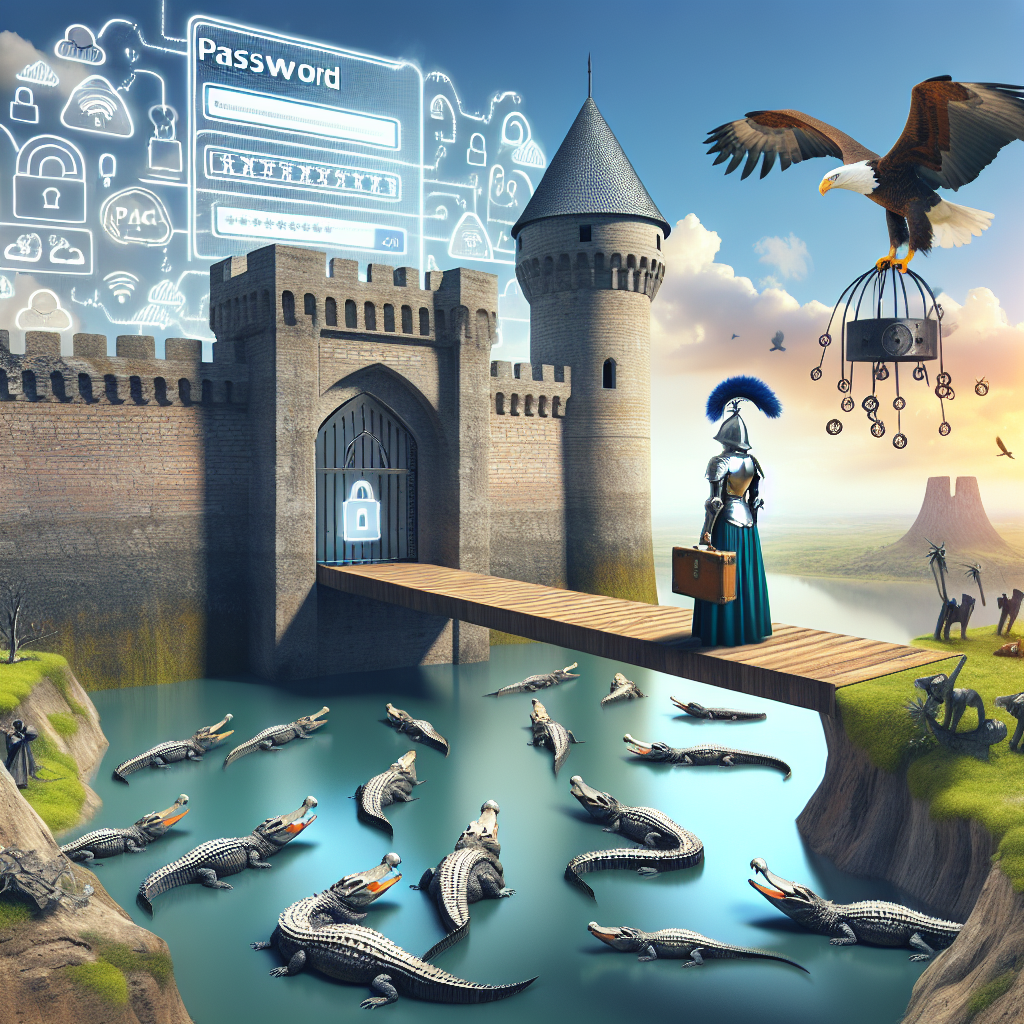
With the world rapidly digitising, password security continues to remain a critical element of cybersecurity. From personal emails to devises and corporate databases, the aptitude to create and manage strong and secure passwords is paramount for protecting sensitive data from cyber perpetrators.
Why Do Strong Passwords Matter?
The role of passwords is crucial as they’re the frontline defenders and act as the first hurdle for hackers trying to gain illicit access to your data. Weak or identical passwords across multiple platforms provide an unchallenging and accessible pathway for hackers to break into multiple accounts.
According to the “2020 Verizon Data Breach Investigations” report, over 80% of hacking-related breaches were a result of weak or stolen passwords. Hence, mastering the art of creating and managing strong passwords is a necessary skill in today’s cyber landscape.
The Characteristics of Strong Passwords
A strong password is typically defined by the following characteristics:
- Length and complexity: It should be at least 12-15 characters long and include numbers, symbols, and both uppercase and lowercase letters.
- Non-personal: It shouldn’t contain any personal information like names, birthdays, or addresses that can be easily inferred by cybercriminals.
- Unique: It should not be a commonly used password or a slight variation thereof. Common passwords include “123456”, “password”, “qwerty”, etc. As a rule of the thumb, if your password can be found in a dictionary, it is probably not secure.
A secure password might look something like “Jn3dF#1Lp9&cZ7x!s2”
Techniques for Creating Strong Passwords
Intricate passwords might be difficult to remember. However, here are some methodologies that can help you generate and remember robust passwords.
- Passphrases: A passphrase comprises multiple words strung together to form a phrase. For example, “RedDogJumpsHighOverHurdles”. To add complexity, you can incorporate numbers and symbols like, “R3dD*gJump$High0verHurdle$”.
- First letter method: Use the first letter of each word in a memorable sentence. For example, the phrase, “My first car was a Toyota in 1995!” could be transformed into “MfcwaTi95!”.
- Abbreviations and acronyms: Create a unique abbreviation or acronym. For instance, “I love to play football on weekends!” could become “I<3tpfow!".
Password Management
Managing passwords can be a challenge, particularly if you have multiple accounts. Here are some recommendations to help manage them effectively.
- Use a password manager: Password managers are tools that store and manage all your passwords. Examples include LastPass, Bitwarden, and Dashlane.
- Embrace multi-factor authentication (MFA): After entering your password, MFA requires an additional layer of verification such as biometric scanning or a text message with a unique code. This deters hackers even if they have the password.
- Implement password rotations: Regularly update sensitive accounts’ passwords. However, frequent changes might lead to weaker passwords. Password changes every three to six months is a good practice.
Conclusion
Strong password practices are a crucial aspect of cybersecurity and everyone must take steps to create and manage secure passwords. Remember, the strength of your password correlates directly with the security of your data. It’s always better to take some time and put some thought into creating a strong password, rather than hastily making one up, as the latter could invite unnecessary cyber risks.
References
- Verizon, 2020. Data Breach Investigations Report. Retrieved from: https://enterprise.verizon.com/resources/reports/dbir/2020/summary-of-findings/
- Winder, D., 2021. Stolen Passwords Account For 8 Out Of 10 Corporate Hacks. Forbes. Retrieved from: https://www.forbes.com/sites/daveywinder/2021/02/25/stolen-passwords-account-for-8-out-of-10-corporate-hacks/?sh=1bb9979740c8
- Schiavon, B., 2021. How to Organise Your Passwords Once and For All. Wired UK. Retrieved from: https://www.wired.co.uk/article/best-password-manager-2021


